Veloura Royale Maya Withdrawal: How to Cash Out to Maya Wallet
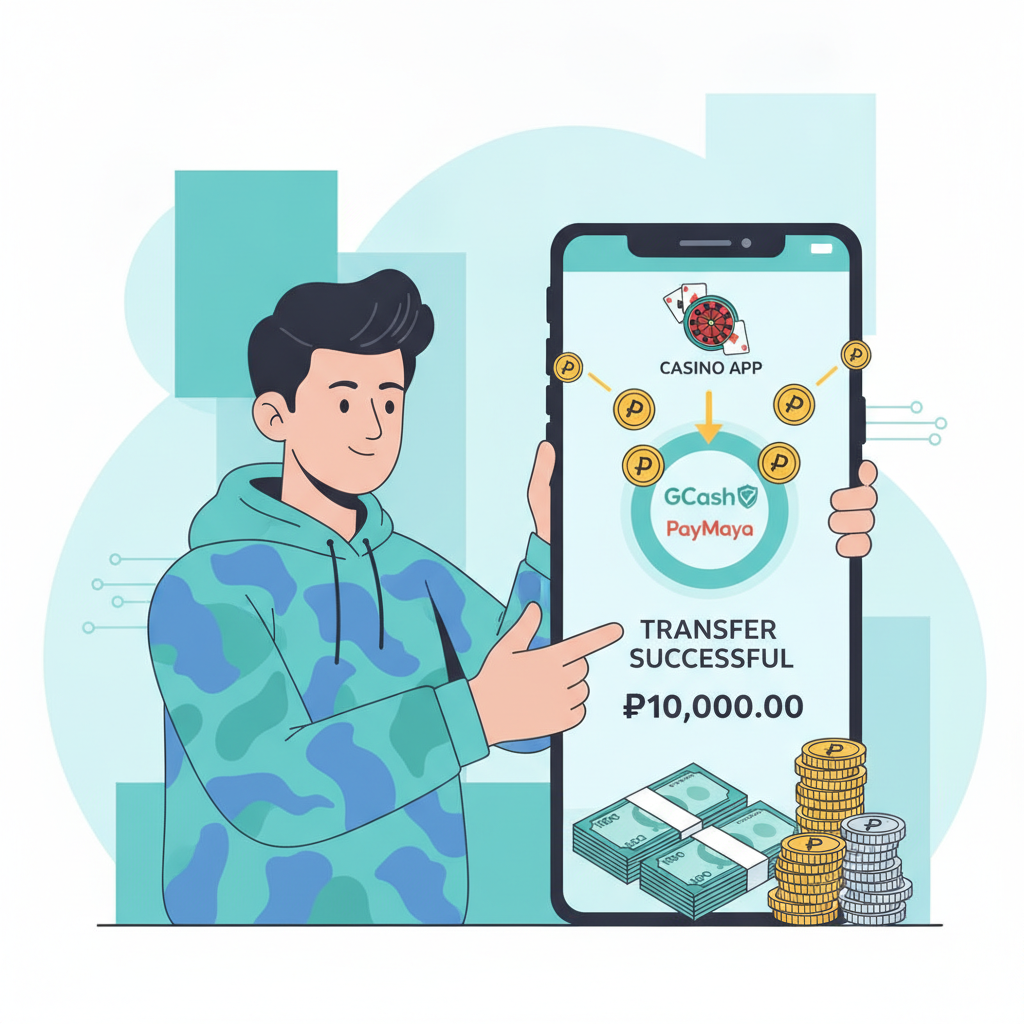
Veloura Royale Maya Withdrawal: How to Cash Out to Maya Wallet
Cashing out your winnings from Veloura Royale to your Maya wallet is straightforward once you know the steps. This guide walks through the Maya withdrawal process, covers limits and fees, explains how long transfers take, and shows how to fix the most common errors.
21+ only. Bet responsibly and only with money you can afford to lose.
Steps to Request a Maya Withdrawal from Your Veloura Royale Account
Before you start, make sure your Veloura Royale account is fully verified and your Maya wallet is active with your real name on it.
Step 1: Log in to your Veloura Royale account
Open the Veloura Royale app or website on your phone and enter your username and password. If you're having trouble logging in, check that your internet connection is stable and that you're using the correct credentials.
Step 2: Go to the Cashier or Withdrawal section
Tap the menu icon (usually three horizontal lines) and select "Cashier" or "Withdraw." The exact label varies depending on whether you're on the mobile app or the browser version.
Step 3: Choose Maya as your withdrawal method
You'll see a list of available cashout options: GCash, Maya, InstaPay, and PESONet. Tap "Maya" to proceed.
Step 4: Enter your Maya mobile number
Type in the 11-digit mobile number linked to your Maya account. Double-check that the number is correct—sending funds to the wrong number can delay your cashout or require contacting support.
Step 5: Enter the amount you want to withdraw
Key in the peso amount. Make sure it's within Veloura Royale's minimum and maximum withdrawal limits (covered in the next section). The platform will show you any applicable fees before you confirm.
Step 6: Confirm the withdrawal request
Review the details: your Maya number, the amount, and any deductions. Tap "Confirm" or "Submit." You should see a confirmation message with a transaction reference number. Save or screenshot this number in case you need to follow up.
Step 7: Wait for the funds to arrive in your Maya wallet
Veloura Royale will process your request, then send the money to Maya. Processing times are covered below, but most Maya withdrawals arrive faster than bank transfers.
Maya Cashout Limits and Any Applicable Fees
Veloura Royale sets minimum and maximum withdrawal amounts for Maya, and fees can vary depending on your account status or transaction size.
Minimum withdrawal
The typical minimum for Maya cashouts is PHP 100. If you try to withdraw less, the platform will prompt you to increase the amount or choose a different method.
Maximum withdrawal per transaction
Many platforms cap single Maya withdrawals at PHP 50,000 to comply with e-wallet daily limits. If you need to withdraw more, you may need to split it into multiple requests across different days or use a bank transfer via InstaPay or PESONet.
Daily and monthly limits
Veloura Royale may enforce daily or monthly cashout caps, especially for new or unverified accounts. Check your account dashboard or contact support if you're unsure of your limits.
Withdrawal fees
Veloura Royale does not always charge a fee for Maya withdrawals, but some transactions—particularly smaller amounts or requests that exceed a monthly quota—may incur a flat fee (typically PHP 15–25) or a percentage deduction. The exact fee is displayed before you confirm the request.
Maya itself does not charge a fee to receive money, so any deduction comes from Veloura Royale's end.
Expected Processing Time for Maya Withdrawals
Maya cashouts are usually faster than bank transfers, but timing depends on Veloura Royale's internal processing and Maya's systems.
Platform processing
Once you submit your withdrawal request, Veloura Royale reviews it for compliance and fraud checks. This step typically takes 15 minutes to 2 hours during business hours. Requests made late at night or on weekends may queue until the next business day.
Transfer to Maya
After Veloura Royale approves the withdrawal, the funds are sent to Maya. In most cases, the money appears in your Maya wallet within 5 to 30 minutes. Some users report near-instant transfers, while others see a delay of up to 1 hour during peak times.
Delays and pending status
If your withdrawal shows as "pending" for more than 2 hours, check your email or SMS for messages from Veloura Royale—sometimes additional verification is required. You can also contact Veloura Royale support through live chat or the help section in the app.
Maya outages or maintenance windows can delay incoming transfers, so check Maya's official social media or app notifications if funds don't arrive within the expected window.
Ensuring Your Maya Account Name Matches Your Veloura Royale Verification
Veloura Royale requires that the name on your Maya wallet matches the name on your verified Veloura Royale account. Mismatches are the most common reason for rejected or delayed cashouts.
Why the name must match
Philippine regulations and anti-money-laundering rules require platforms to verify that the person withdrawing funds is the account holder. If the names don't align, Veloura Royale will flag the transaction and may ask you to re-submit ID documents or use a different withdrawal method.
How to check your Maya account name
Open the Maya app, tap your profile icon, and go to "Personal Information" or "Account Details." The name displayed here is what Veloura Royale sees when processing your cashout.
How to check your Veloura Royale verified name
In the Veloura Royale app or website, go to "Account," then "Verification" or "Profile." The name shown under "Verified Name" or "Full Name" must match your Maya account exactly—same spelling, same order (first name, middle initial, last name).
What to do if names don't match
If you registered your Maya wallet with a nickname or shortened name, update it in the Maya app to your full legal name. You may need to submit a valid ID to Maya to complete the change.
If your Veloura Royale account has a typo or outdated name, contact Veloura Royale support with a photo of your government-issued ID and ask them to correct it. Processing a name-change request can take 1–3 business days.
Using a different person's Maya account
Do not attempt to withdraw to someone else's Maya wallet, even a family member's. Veloura Royale will reject the transaction, and repeated attempts may trigger a security review or temporary account suspension.
Common Maya Withdrawal Errors and Fixes
Even if you follow every step, you may encounter error messages or failed transactions. Here's how to troubleshoot the most frequent issues.
"Invalid mobile number"
This error appears if the Maya number you entered is incorrect or not registered with Maya. Double-check that you typed the 11-digit number correctly, including the leading "09." If the number is correct, make sure the Maya account is active—open the Maya app and verify you can log in and view your wallet balance.
"Withdrawal request declined" or "Transaction failed"
Common causes include:
- Name mismatch: The name on your Maya account doesn't match your Veloura Royale verified name. See the section above for how to fix this.
- Insufficient balance: You may have pending bets or bonus wagering requirements that lock part of your balance. Check your account dashboard for "withdrawable balance" versus "total balance."
- Exceeding limits: Your request may be above the maximum single withdrawal or daily cap. Try a smaller amount or split the withdrawal across multiple days.
- Account flagged for verification: Veloura Royale may ask you to upload a new ID photo or selfie before approving the cashout. Check your email or the app's notification center.
"Pending" status for more than 2 hours
If the withdrawal sits in pending status without progressing, first check if Veloura Royale sent you a verification request via email or SMS. If you see no messages, contact support through live chat in the app. Provide your transaction reference number and Maya mobile number so they can investigate.
Funds deducted from Veloura Royale but not in Maya wallet
Wait at least 1 hour before panicking—transfers can occasionally take longer during Maya maintenance or high-volume periods. If the money still hasn't arrived after 2 hours, check your Maya transaction history in the app to confirm no deposit was received. Then contact Veloura Royale support with your reference number and a screenshot of your Maya wallet balance.
"Service temporarily unavailable"
This message can appear if Maya's payment gateway is down for maintenance or if Veloura Royale is experiencing technical issues. Try again in 15–30 minutes. You can also check Veloura Royale's official social media or website for announcements about scheduled downtime.
Repeated failed withdrawals
If you've tried multiple times and every request fails, log out of the Veloura Royale app, clear the app cache (Settings > Apps > Veloura Royale > Clear Cache on Android), and log back in. If the problem persists, try requesting the withdrawal from the browser version of the site instead of the mobile app, or switch to GCash or a bank transfer method temporarily while you troubleshoot with support.
21+ Only, Responsible Gambling Reminder
Veloura Royale is for players aged 21 and over. Gambling should be entertainment, not a way to make money or solve financial problems.
Set a budget before you play, and never chase losses. If you find yourself betting more than you can afford or feeling anxious about your balance, take a break or reach out to a responsible gambling helpline.
Veloura Royale offers tools like deposit limits and self-exclusion options. Check the "Responsible Gaming" section in your account settings if you need help managing your play.
This guide covers the essentials of withdrawing from Veloura Royale to your Maya wallet. For help with GCash cashouts, InstaPay or PESONet bank transfers, or installing the Veloura Royale app, explore the other articles on this site.